Publishers on SEOLinkBuildings sell placements on sites they control. The work is straightforward: list accurate inventory, accept tasks you can fulfil, publish to the agreed standard, submit the live URL, then withdraw when balance is available.
Advertisers follow a different path — covered in the advertiser guide. For the two-sided model in brief, see how it works and pricing.
1. Register as a publisher and open My Sites
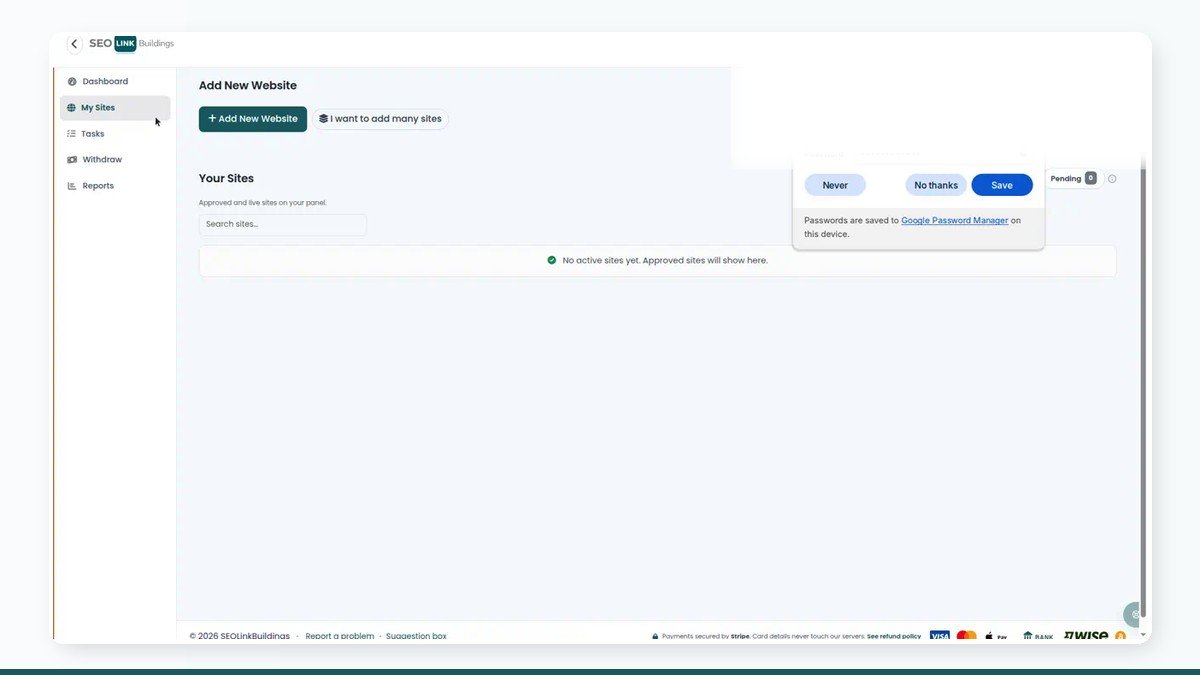
Create an account at /register with the publisher role (or switch into Publisher if you already buy as an advertiser). Verify your email, then open My Sites.

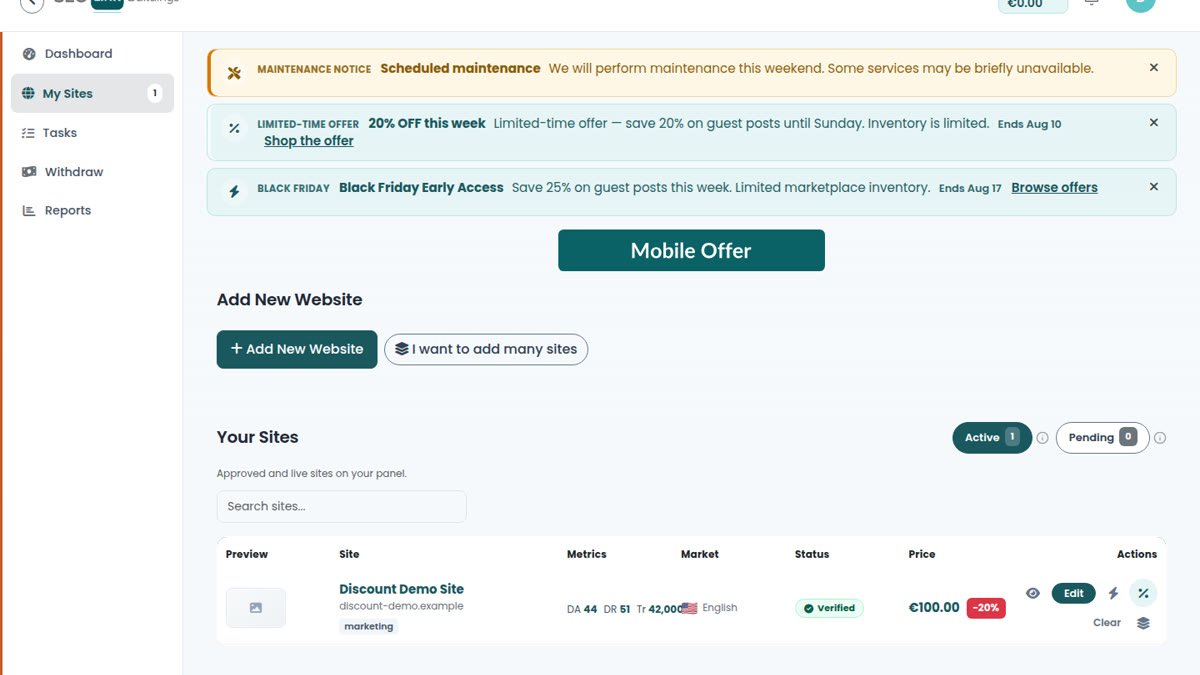
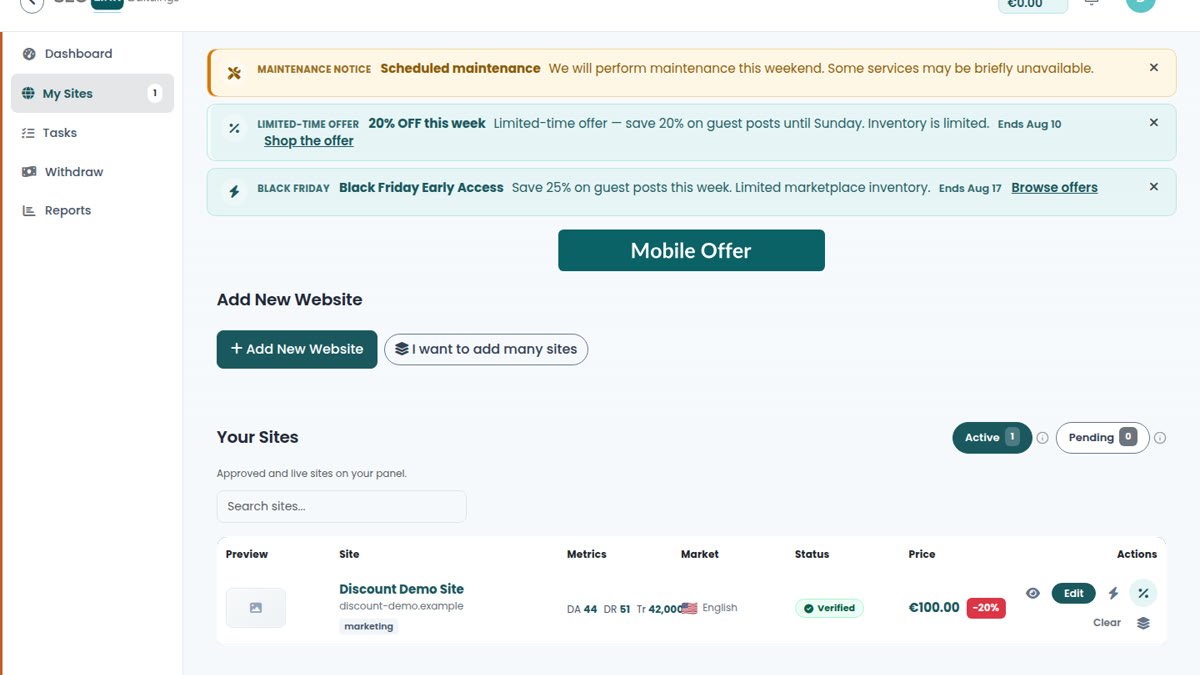
Use Add New Website for a single listing. Use bulk add when you are onboarding many domains and want a guided table workflow. Complete niche, country, language, pricing, and link terms carefully — advertisers buy against those fields.
Duplicate domains are blocked. If a site is already claimed, follow the on-screen claim guidance rather than inventing a second listing.
2. Verification and approval
Expect a verification step that proves control of the domain, then an admin review before the site enters catalog inventory. Incomplete metrics, unclear niches, or unrealistic prices slow that review.
Keep contact details current. When a listing is live, treat price and link attributes as contractual: changing them mid-order without communication creates refunds and bad ratings.
3. Work Tasks as they arrive
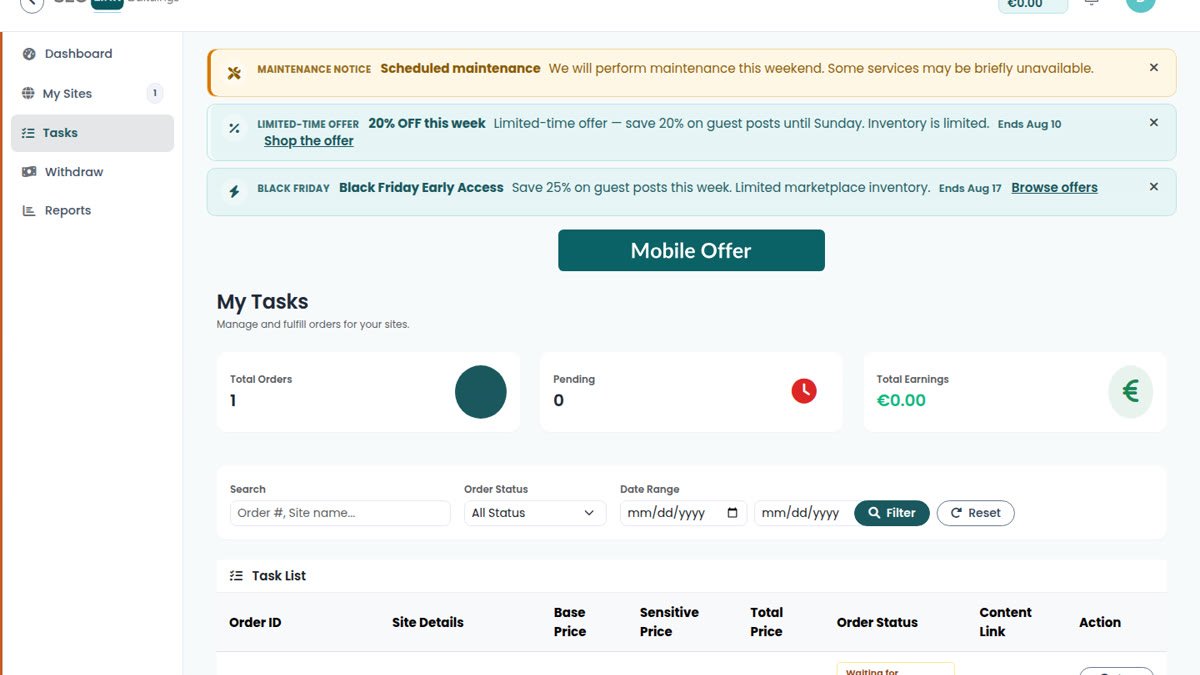
Tasks is your fulfilment queue. Open a task, read the brief, download or preview the assigned article, and accept only work you can publish on schedule.

After publication, submit the live URL in the task flow. Advertisers will check attributes and content; our public checklist on post-live QA is the same standard many buyers apply. If something in the brief conflicts with your editorial policy, reject early with a clear reason.
4. Balance and withdrawals
Completed work credits your publisher balance according to release rules. Open Withdraw (or Balance, depending on your menu) to review available funds and request a payout.

Enter only methods you control. Incomplete bank or wallet details delay processing. For policy questions, the FAQ and in-app support channels remain the authoritative path.
5. Operating standards that protect your listing
- Publish what you sold: same link type, same section quality, same permanence expectations.
- Answer order chat within a reasonable window — silence looks like abandonment.
- Do not swap URLs after approval without documenting the change.
- Keep My Sites data honest; inflated traffic claims are caught quickly and cost trust.
Reliable publishers receive repeat orders. That reputation compounds faster than any single high price.
Register as a publisher, list your first site accurately, and treat the first three tasks as the proof of how you work.
Frequently asked questions
When do my sites appear in the advertiser catalog?
After you submit them and they pass verification and admin review. Incomplete profiles, duplicate domains, or failed verification keep a site out of inventory.
Can I reject a task?
Yes, when the brief or content does not fit your editorial rules. Reject promptly with a clear reason so the advertiser can reassign. Silence creates disputes.
When can I withdraw earnings?
When balance is available under the platform’s release rules for completed work. Use Withdraw, choose a saved payout method, and submit only amounts you can support with the listed details.
I also buy placements. Do I need two emails?
Usually not. One account can hold Advertiser and Publisher roles. Switch roles from the top bar instead of maintaining duplicate logins.