Bad briefs create slow orders. The publisher is not psychic. If your article file, anchors, and target URLs are fuzzy, you will spend the week in chat instead of collecting live links.
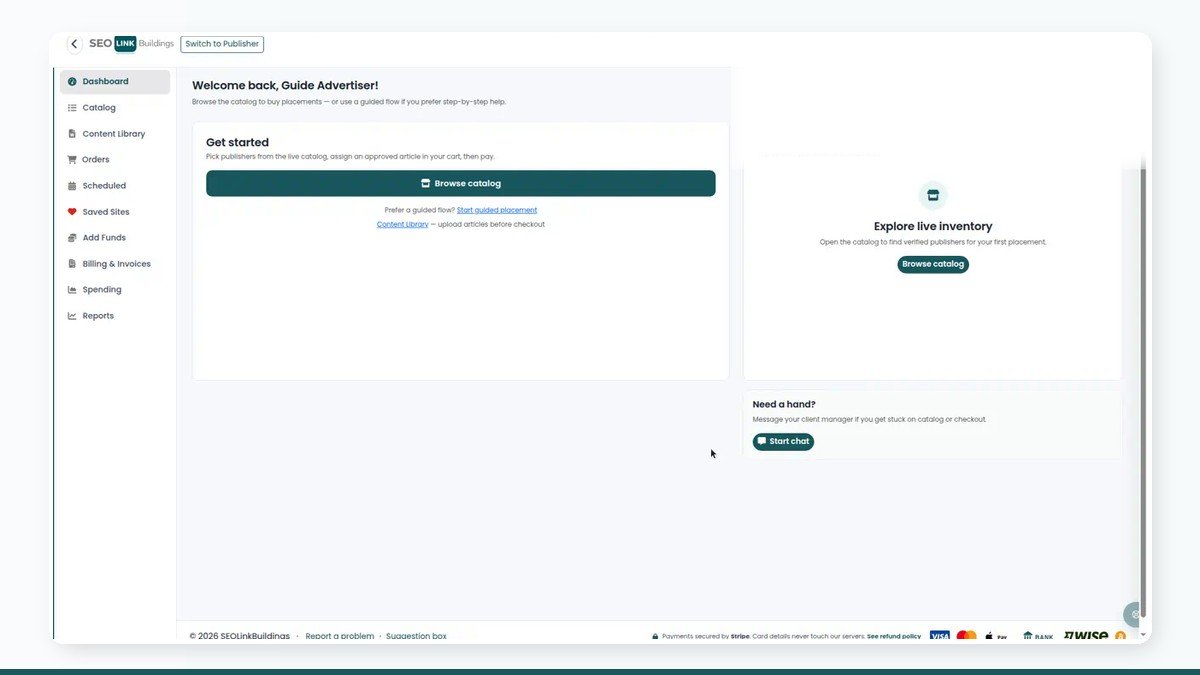
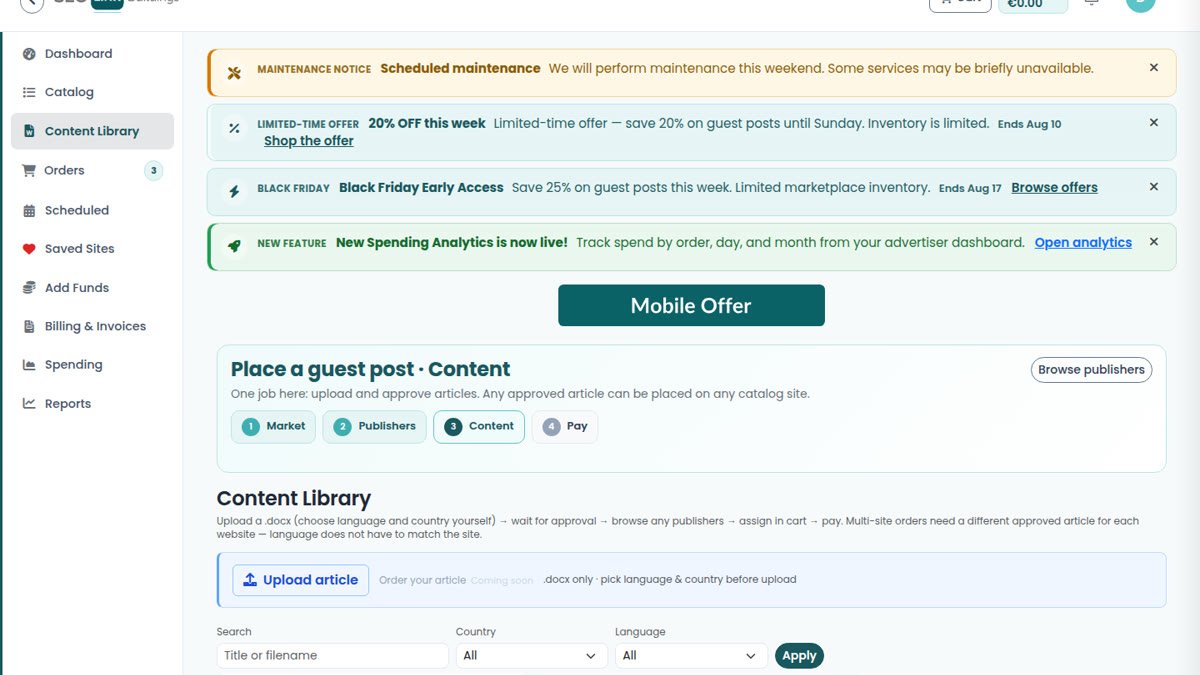
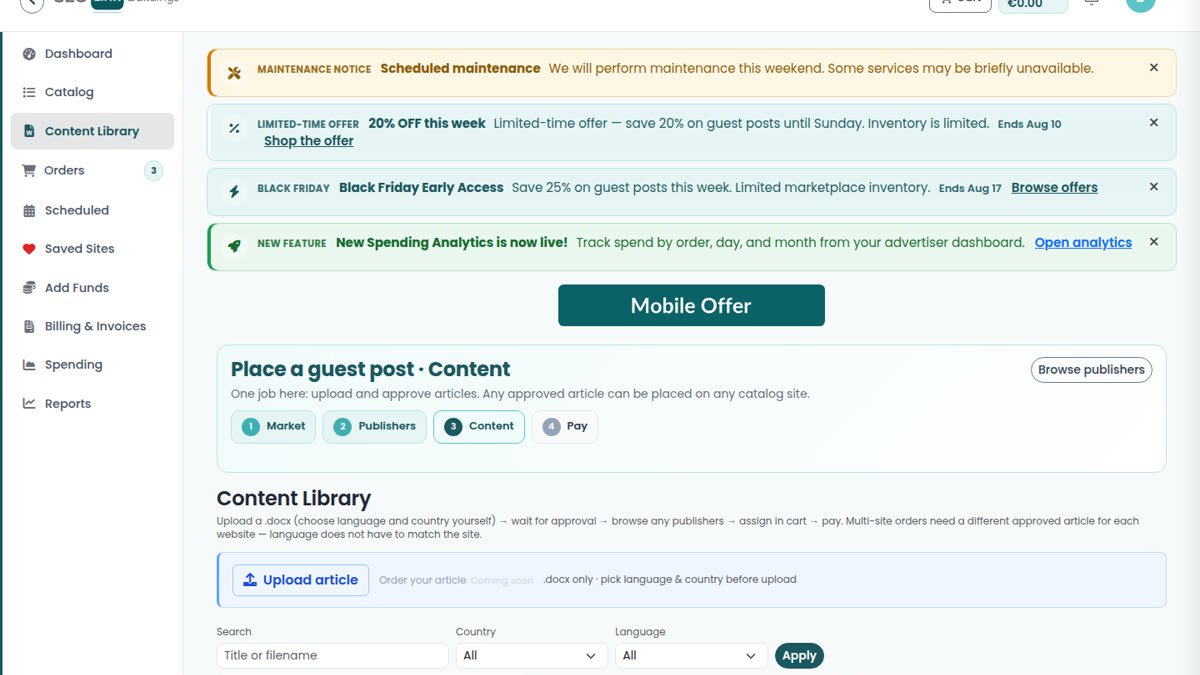
This is the brief we want advertisers to use before they upload to Content Library. Pair it with the buy guide for the product steps, and how to choose a site before you attach the article to a cart line.
Write the brief before you write the article
One page is enough:
- Target URL — the exact page you want the link to hit (not the homepage by default)
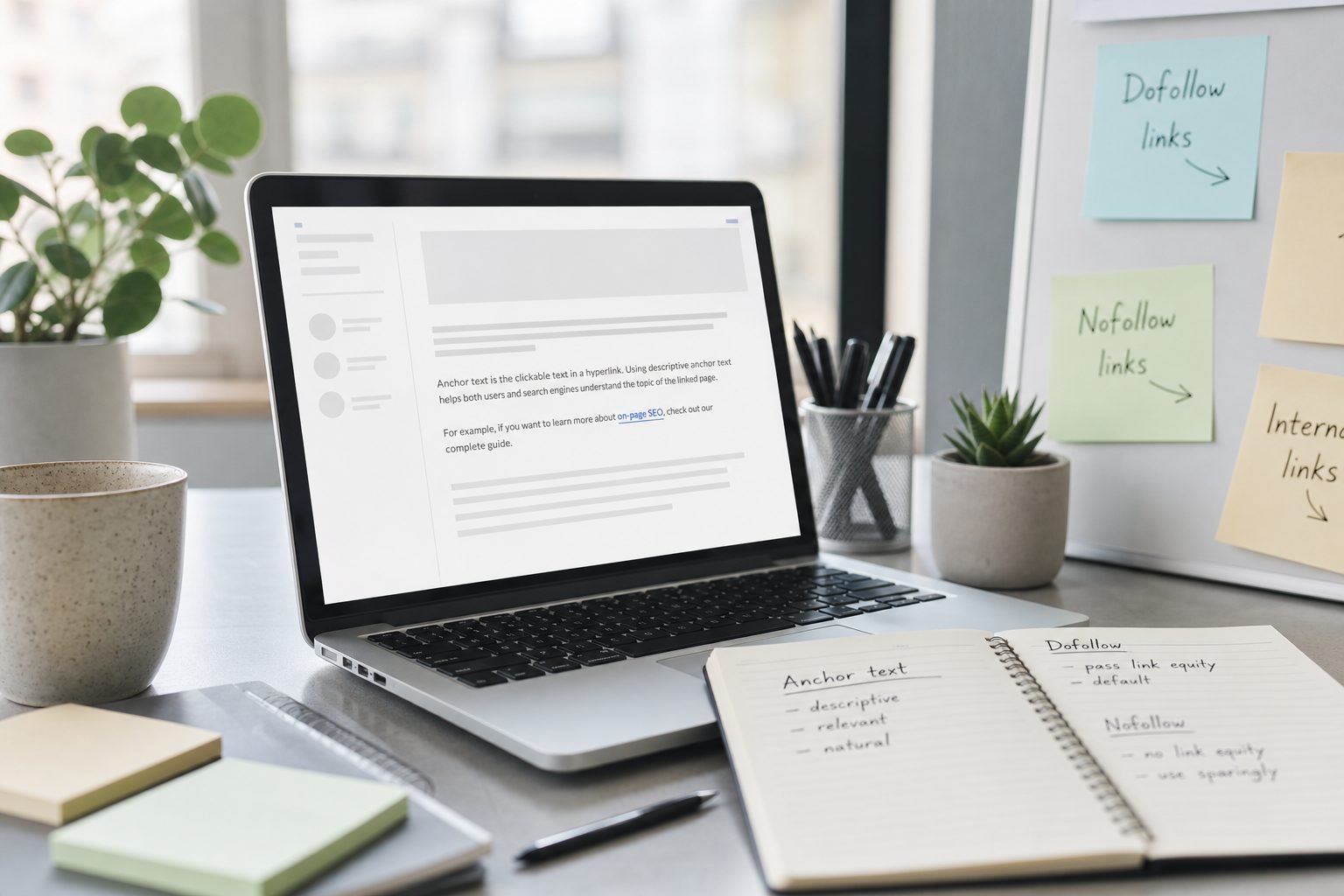
- Primary anchor — natural language, not “click here,” not a stuffed keyword every time
- Secondary links — only if the listing allows them; note dofollow vs nofollow
- Audience & angle — who reads this, what problem it solves
- Must-avoid claims — medical guarantees, income promises, trademark misuse
- Sensitive topic? — crypto, CBD, forex, adult-adjacent, etc. Say it out loud
If two people on your team would describe the link differently, the brief is not done.
Anchors that survive review
Mixed anchors look like real editorial. Exact-match every time looks like a campaign spreadsheet.
A sane mix for a small batch:
- 1–2 branded or URL anchors
- 1–2 partial-match or topical phrases
- occasional naked URL if it fits the sentence
Match the listing’s link rules. If the publisher allows a max of three dofollow links, do not send five and hope. Also keep placeholders out of the final file — “INSERT LINK,” “TK,” and lorem blocks get articles rejected.
URLs: one destination per placement
Each cart site needs its own approved article. Do not reuse one doc across five unrelated niches with a find-and-replace on the brand name. Publishers notice. Readers notice. Moderators notice.
Check that every target URL:
- loads over HTTPS
- is indexable (not blocked by a noindex experiment you forgot about)
- matches the language of the article
Images and file hygiene
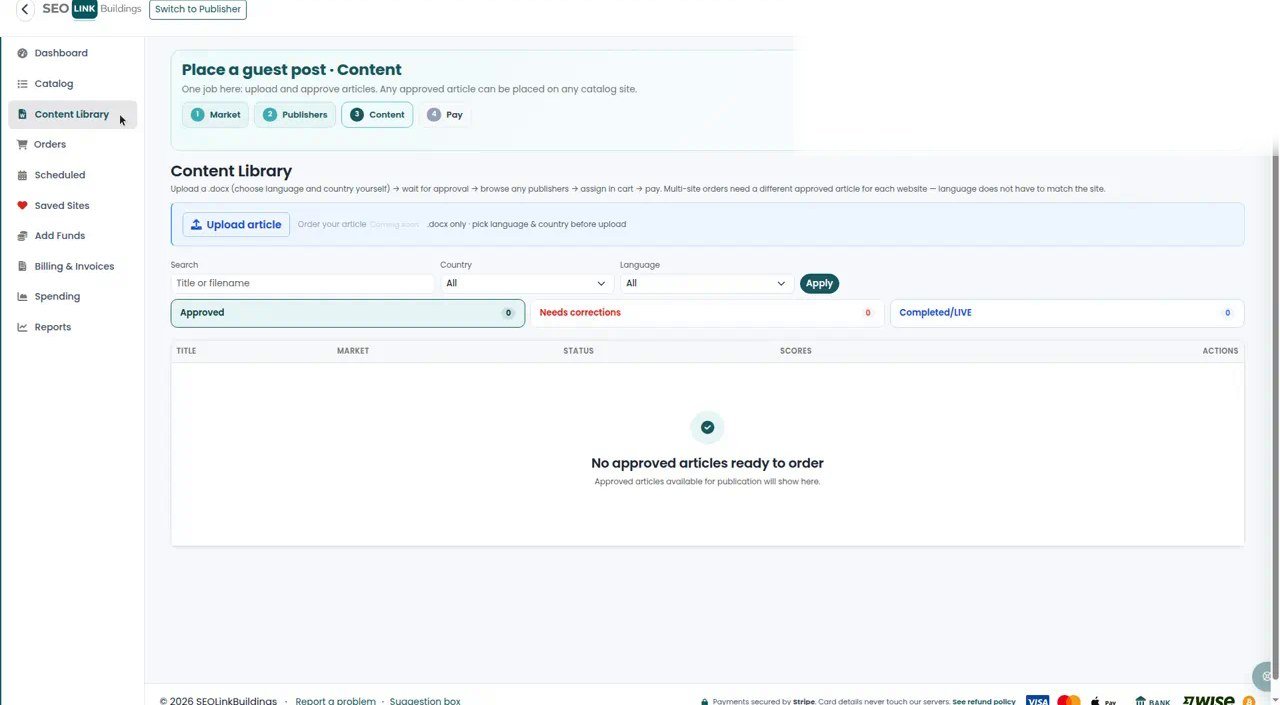
Use a .docx the upload wizard accepts. Name files like de-home-insurance-site62.docx, not final_FINAL_v7.docx.
For images:
- own them or have rights to use them (the platform may ask you to confirm that)
- keep filenames boring and descriptive
- avoid huge 10MB hero shots that slow the publisher CMS
Feature images should support the article, not carry a watermark from another marketplace.
Sensitive topics: pay the add-on on purpose
Crypto, CBD, forex, and similar niches often cost more. That surcharge is shown on the listing when you select the topic. It is not a surprise fee invented at invoice time.
If your article is clearly in a sensitive niche, select the matching add-on. Hiding the topic in soft language and hoping the publisher “won’t notice” is how orders get rejected mid-flight.
Quality bar that avoids the revision loop
- Roughly 500+ solid words unless the listing says otherwise — thin posts look like paid links because they are
- Real structure: intro, sections, conclusion; not one wall of text
- Limited outbound links; stay inside the publisher’s cap
- No spammy title casing or keyword stuffing
When the live URL arrives, run the live-link checklist so a clean brief is not wasted on a messy placement.
Minimum brief template you can copy
Campaign: Q3 DE insurance
Target URL: https://example.com/de/home-insurance
Primary anchor: Hausratversicherung vergleichen
Extra links: none
Language: German
Sensitive topic: no
Notes for publisher: keep dofollow on the primary link; no homepage redirect
Paste that above the article draft for your team. Then upload. Then buy.
Create an advertiser account if you still need access, and keep Content Library stocked before you chase a full cart.
Frequently asked questions
Can I check out without an approved article?
You can browse and fill a cart first, but checkout expects an approved article for each site. Upload early so approval is not the bottleneck.
How many dofollow links should I put in one article?
Follow the listing. Many publishers cap outbound dofollow links (often around three). Stuffing more links is a common reason for rejection or forced edits.
Why is crypto or CBD more expensive?
Those topics carry extra risk for publishers. Sensitive-topic add-ons are priced on the listing and passed through — pick them on purpose before you pay.
Do I need a feature image?
If the upload flow asks for one, include it. A clean, relevant image reduces “please resubmit” messages and helps the piece look finished on the publisher site.