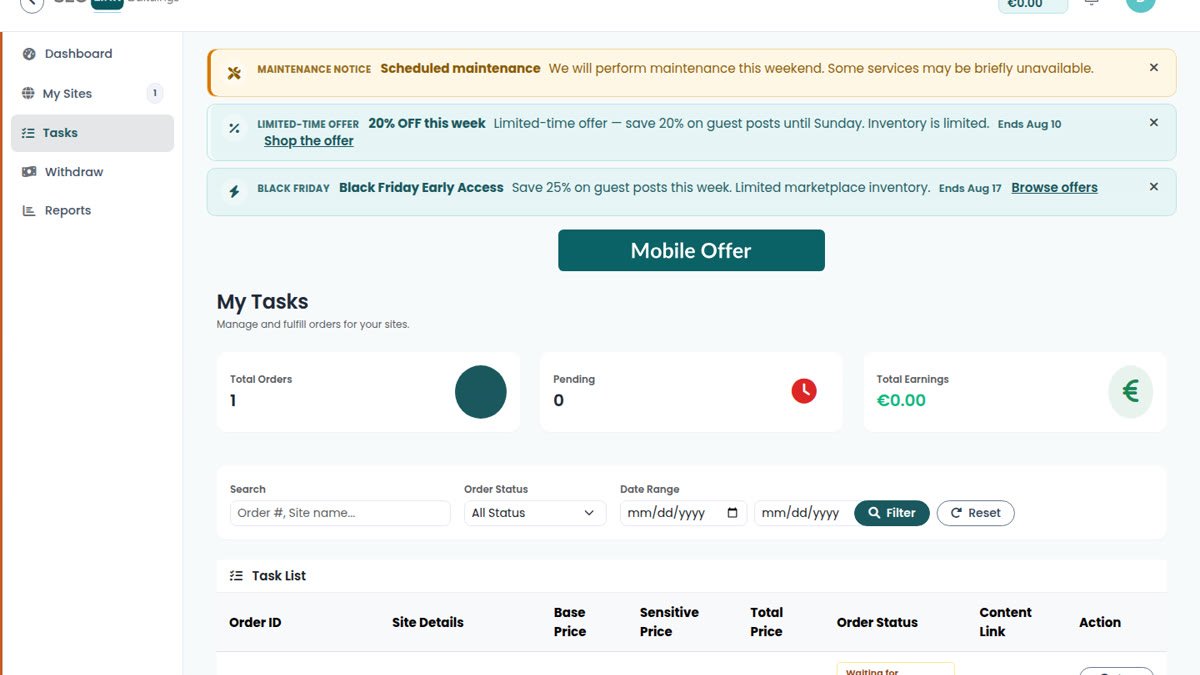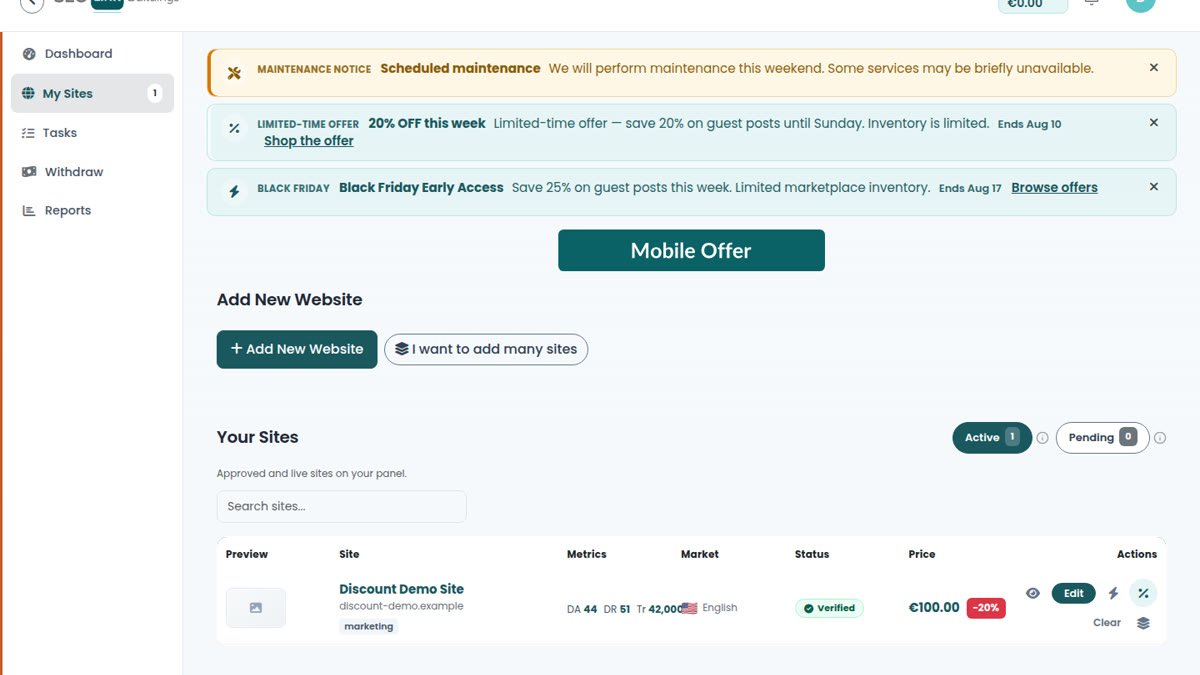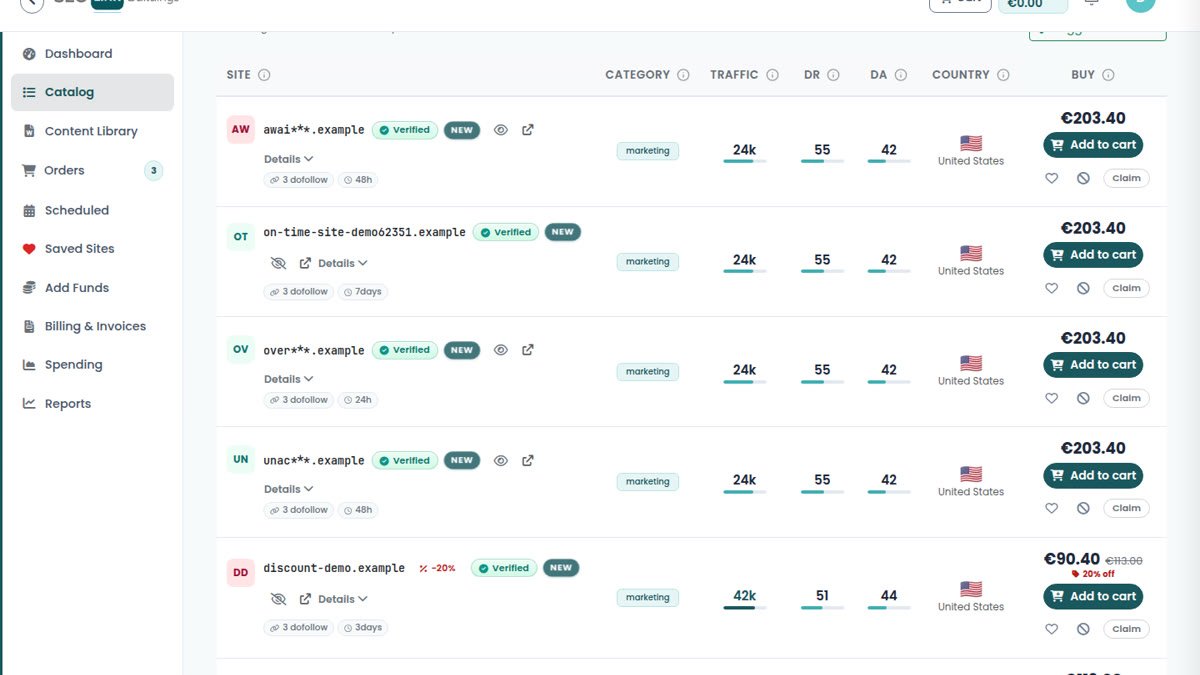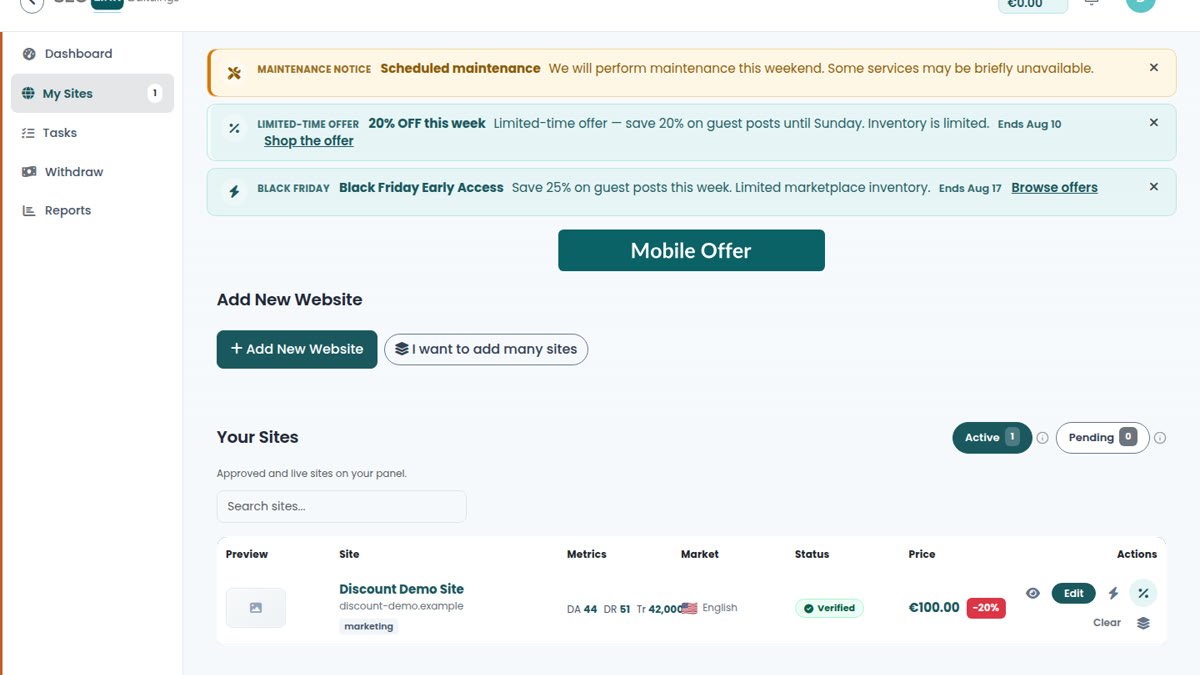
Advertisers only see sites that cleared verification and admin review. Everything before that is backstage: you add the URL, finish listing details, prove control of the domain, then wait for staff to approve or reject with a reason.
If a listing never appears in the catalog, it is almost never “the system forgot you.” It is an incomplete profile, a failed ownership check, a duplicate domain, or a quality flag. Here is the pipeline and how to clear it.
The path from draft to catalog
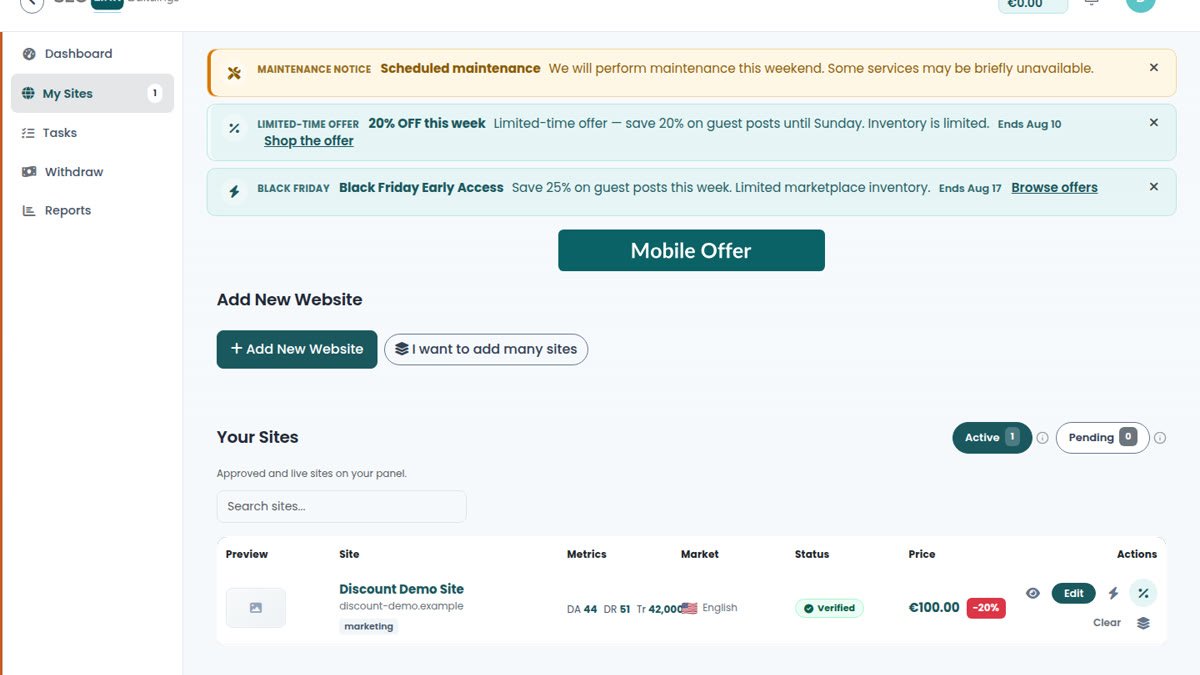
- Add the website in My Sites (single add or bulk).
- Complete required details — niches, country, language, pricing, link terms. Bulk onboarding may leave you in awaiting details until those fields are filled.
- Verify ownership with the verification file: download or copy the code, place it on your domain, then click Check verification.
- Ready for review — staff review metrics, niches, and listing quality.
- Approved / verified — the site can enter advertiser catalog inventory when activated under platform rules.
The step-by-step UI walkthrough lives in the publisher guide. Marketplace roles are summarised on how it works.
Common reasons sites get rejected or stuck
- Incomplete details — missing niches, country, language, or prices keep the site out of the review queue.
- Failed verification — wrong path, cached 404, or checking before the file is live. Fix the file, wait a minute, check again.
- Duplicate domain — another account already claimed the URL. Follow claim guidance; do not invent a second listing.
- Unrealistic metrics or price — traffic or authority claims that do not match the site, or prices that look like spam inventory. See how to price your site.
- Thin or off-topic content — brand-new parked domains, doorway pages, or niches that do not match the live site.
- Policy / quality flags — staff may reject or remove a site with a written reason. Read the notification; guessing wastes another cycle.
How to get approved faster
- Fill every required field before you hit verification. Partial forms create round-trips.
- Use accurate niches and language — buyers filter on those labels.
- Price like a buyer would; fantasy numbers slow review.
- Keep the verification file reachable over HTTPS on the exact path shown.
- If you manage many domains, finish bulk “awaiting details” rows before asking for review on the whole batch.
If you were rejected
Open the status reason in the notification or My Sites. Fix the concrete issue (ownership, metrics, niches, price, or content), then move the site back through details → verification → ready for review. Do not resubmit the same broken profile hoping for a different outcome.
New to the marketplace? Read become a publisher, then register and treat the first listing as a quality sample — one clean approval beats five rejected drafts.
Frequently asked questions
When does my site appear in the catalog?
After ownership verification and admin approval. Sites stuck in awaiting details or failed verification stay out of advertiser inventory.
What is the verification file for?
It proves you control the domain. Upload the file to the path shown in My Sites, then run Check verification. Too many failed checks will rate-limit you for a few minutes.
Can I resubmit after a rejection?
Often yes — fix the reason (metrics, niches, price, ownership proof, or content quality), complete required details, and move the site back to ready for review. If staff removed the listing, follow the notification reason before adding it again.
Someone else already listed my domain?
Duplicate domains are blocked. Use the on-screen claim guidance rather than creating a second account listing for the same URL.