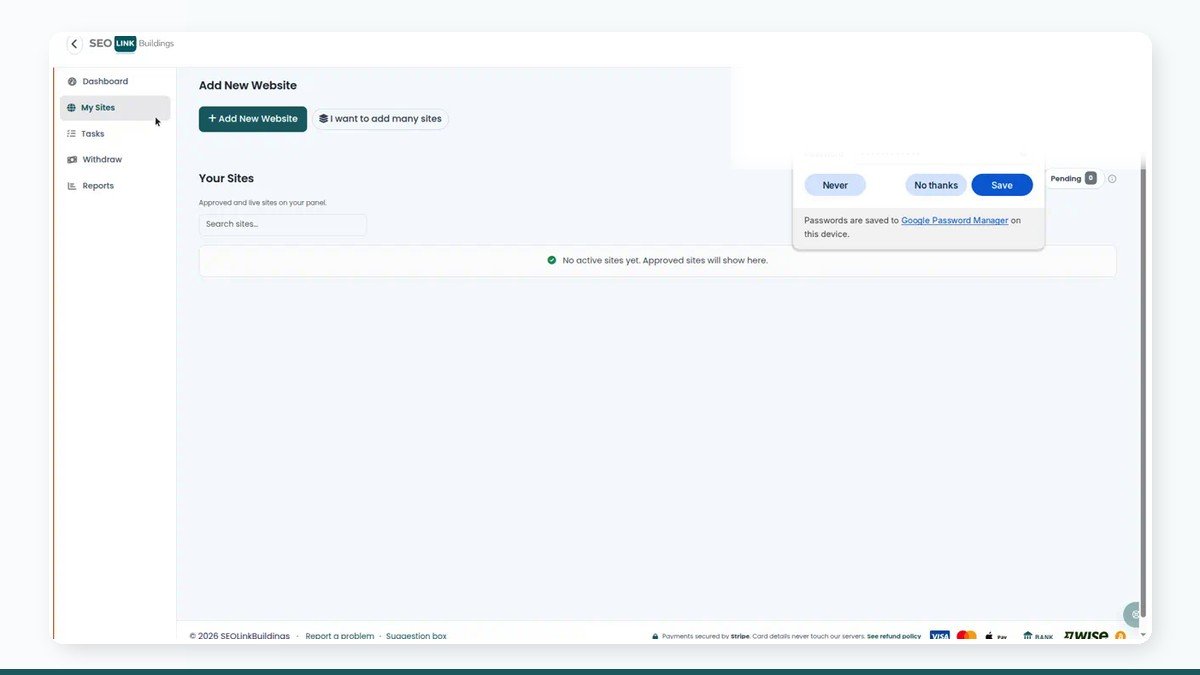
SEOLinkBuildings is built so advertisers buy placements the way operations teams actually work: pick verified publishers, attach approved articles, pay from a wallet, then follow the order until the live URL lands. This guide covers that path without theatre.
If you still need the marketplace model in one page, read how the platform works first. Pricing and payment options are summarised on pricing. When you are ready to publish as a site owner instead, use the companion publisher guide.
1. Create an advertiser account and verify your email
Register at /register and choose the advertiser role. Confirm the verification email before you expect full access — unverified accounts cannot complete a normal login session.
After verification you land in the advertiser shell. New advertisers receive a welcome wallet credit under the current signup rules; treat it as purchasing power for placements, not a cash withdrawal.
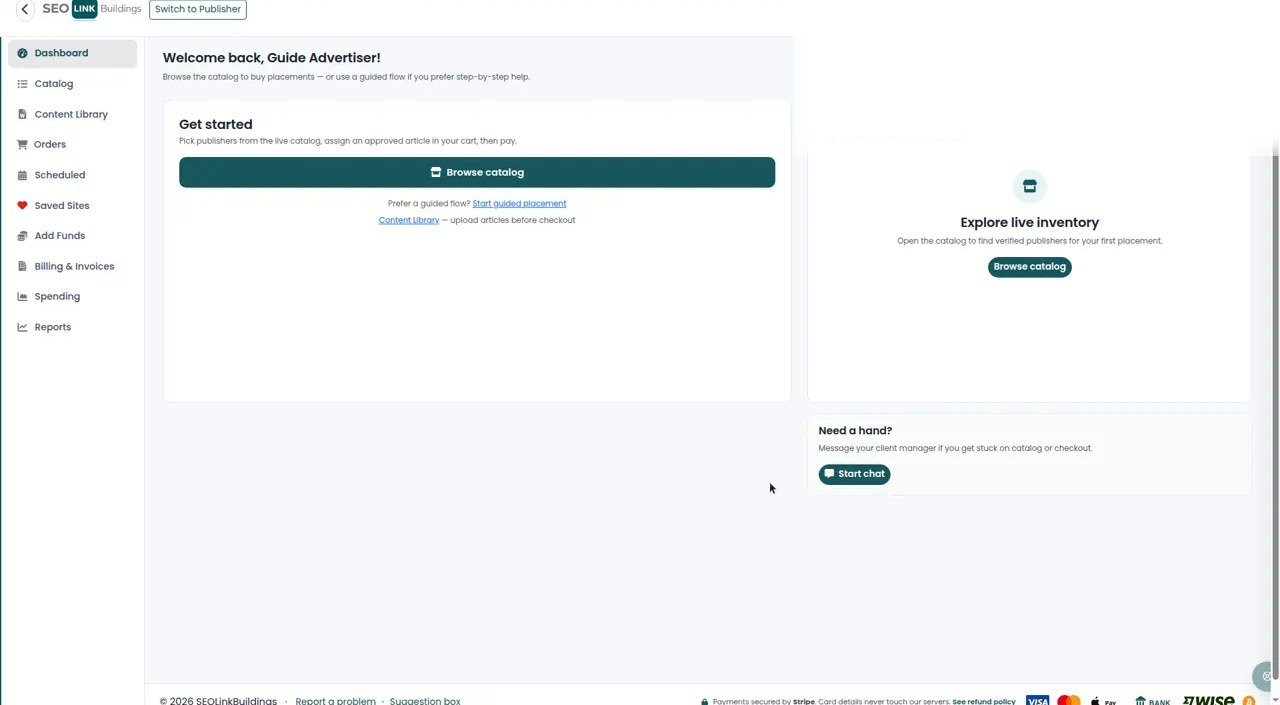
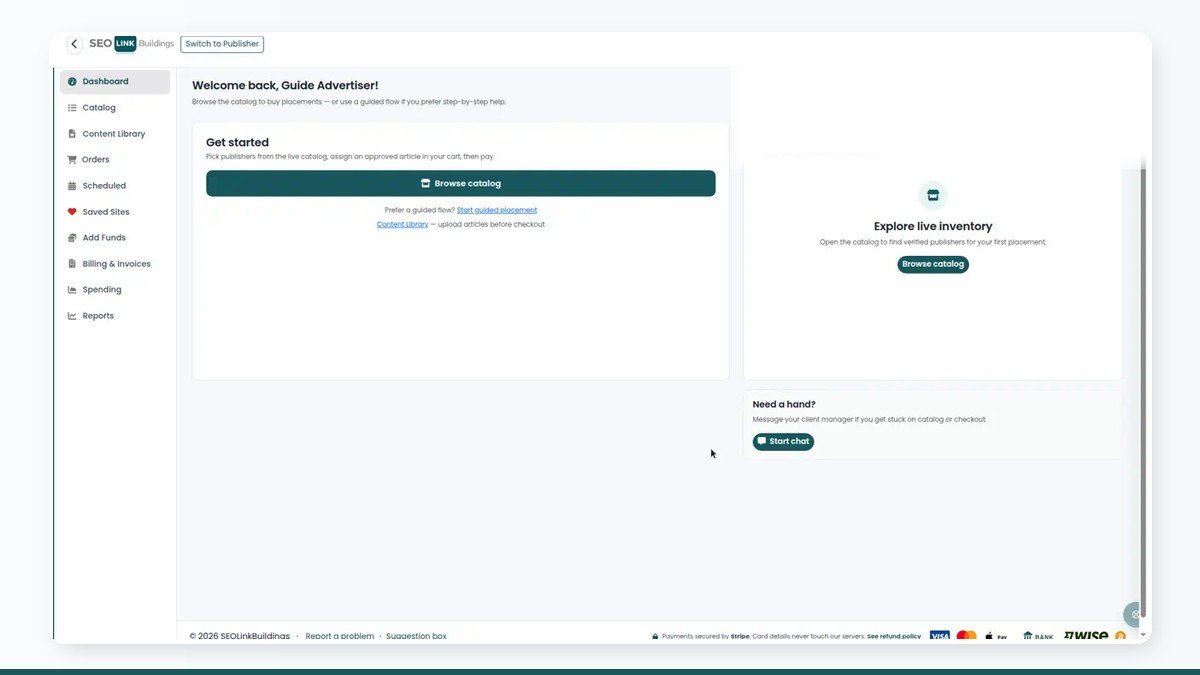
From the dashboard you can open the catalog, start a guided placement, or upload articles. The left navigation stays consistent: Catalog, Content Library, Orders, Add Funds, Billing, and reports.
2. Upload articles in Content Library before you need them
Each site in an order needs its own approved article. Upload early. Waiting until the cart is full is how teams miss deadlines.
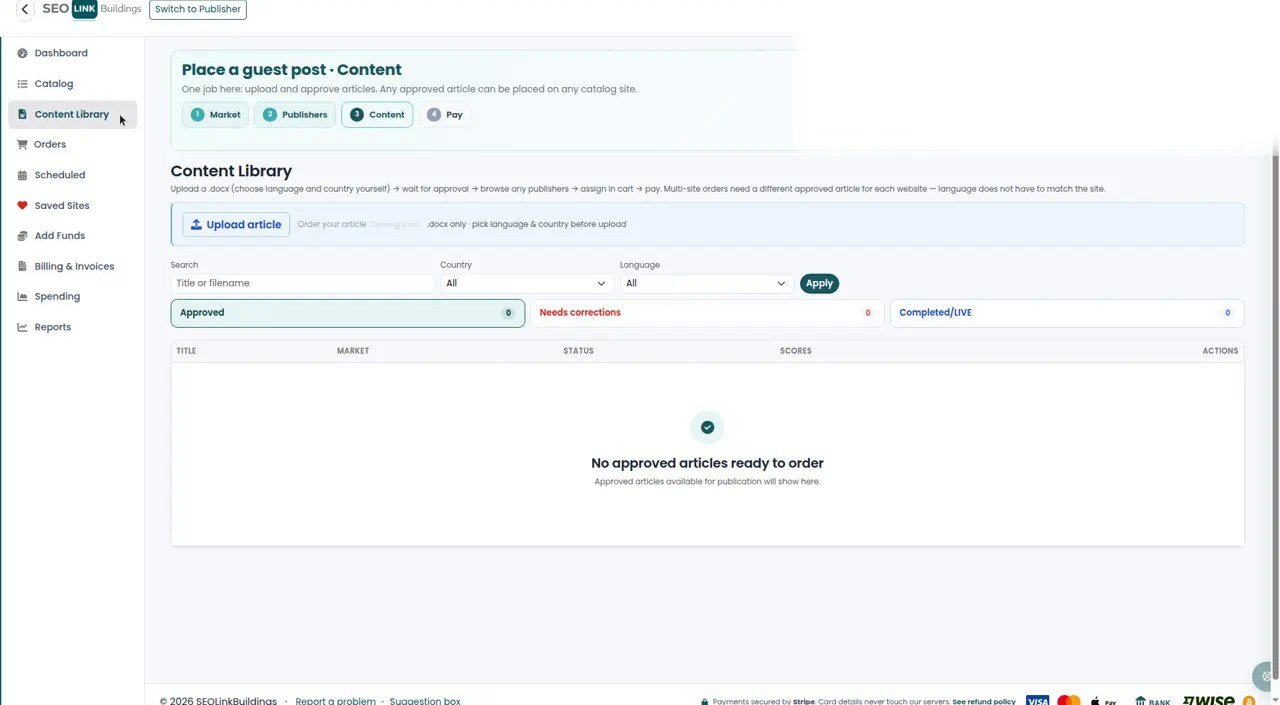
Use clear file names and keep one article per intended placement. Once a file is approved, you can attach it when you check out. If approval is pending, finish browsing, but do not expect payment to clear until content is ready.
3. Browse the catalog and select publishers
Open Catalog. Filter by country, language, niche, and metrics that match your brief. Add sites to the cart only when the listing terms (link type, sponsored status, turnaround) match what you are willing to buy.
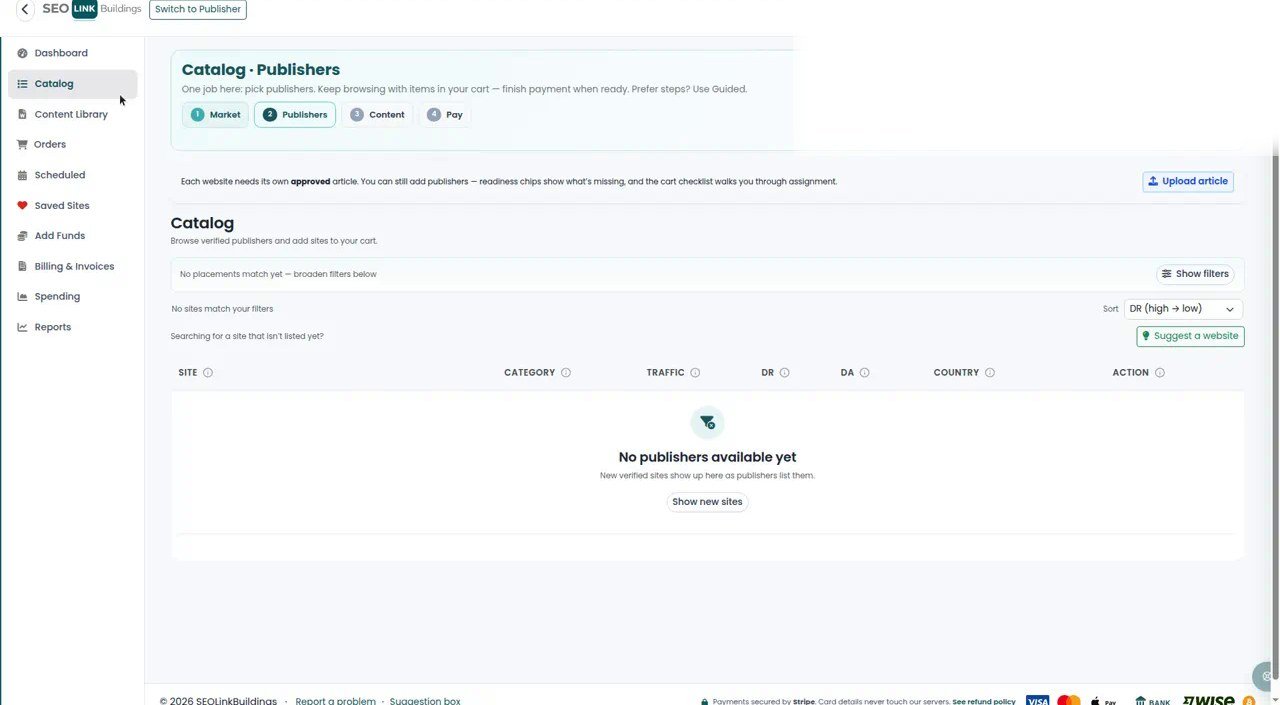
You may keep shopping with items already in the cart. Prefer the guided flow only if you want the stepper to force Market → Publishers → Content → Pay. Power users usually stay in the catalog and open the cart when the shortlist is done.
Public inventory is also summarised on the marketplace pages; the logged-in catalog is where purchasing happens.
4. Fund the wallet, then pay at checkout
Open Add Funds when spendable balance will not cover the cart. Choose the payment method offered for your account (card via Stripe, bank transfer, or other methods shown on the page). Card details are processed by Stripe; they do not sit on our servers.
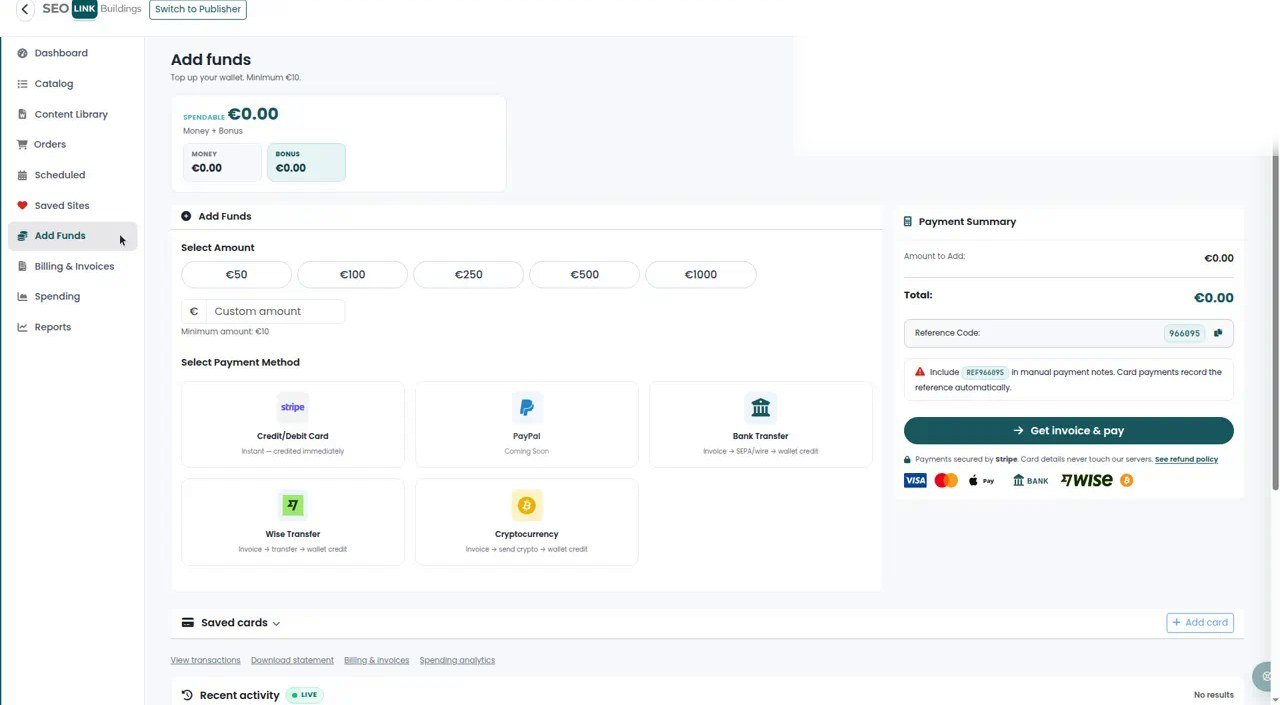
At checkout, assign an approved article to each site, confirm totals, and pay from the wallet. Keep invoices under Billing if finance needs a record later.
5. Track orders until the live URL is accepted
Orders is the operational view after payment. Watch status changes, use order chat for clarifications, and review the live URL when the publisher marks the placement complete.
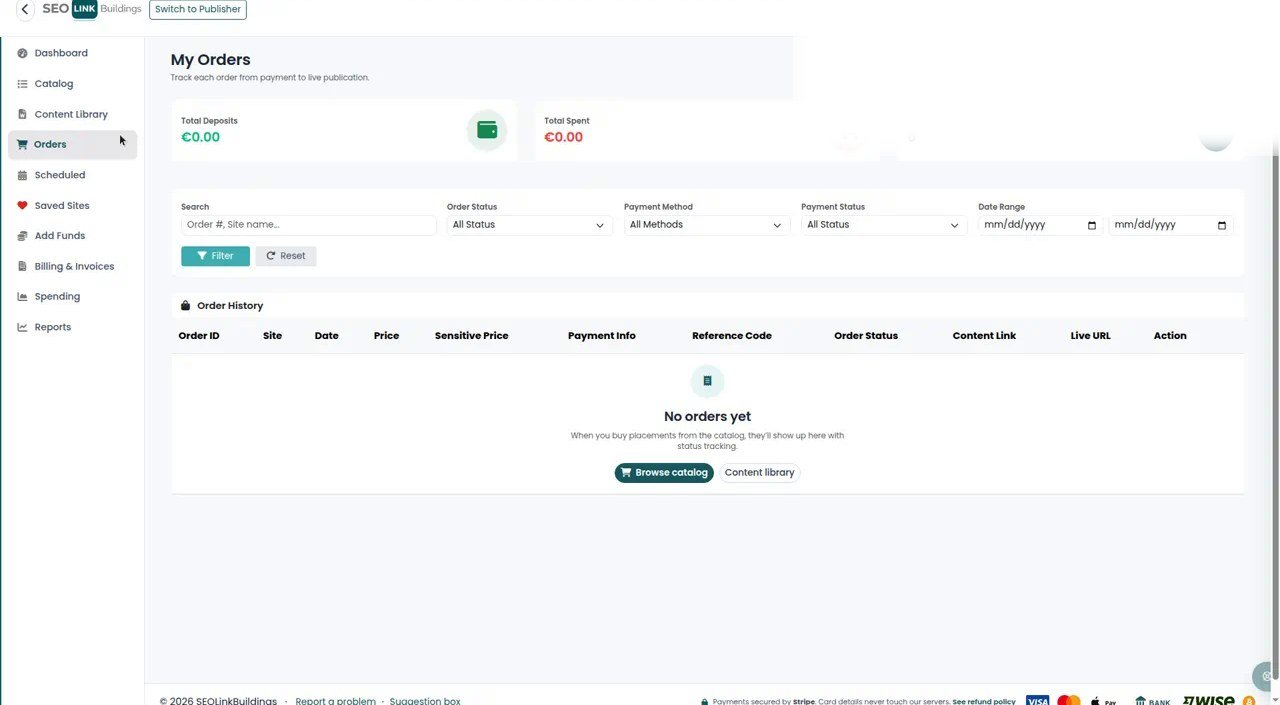
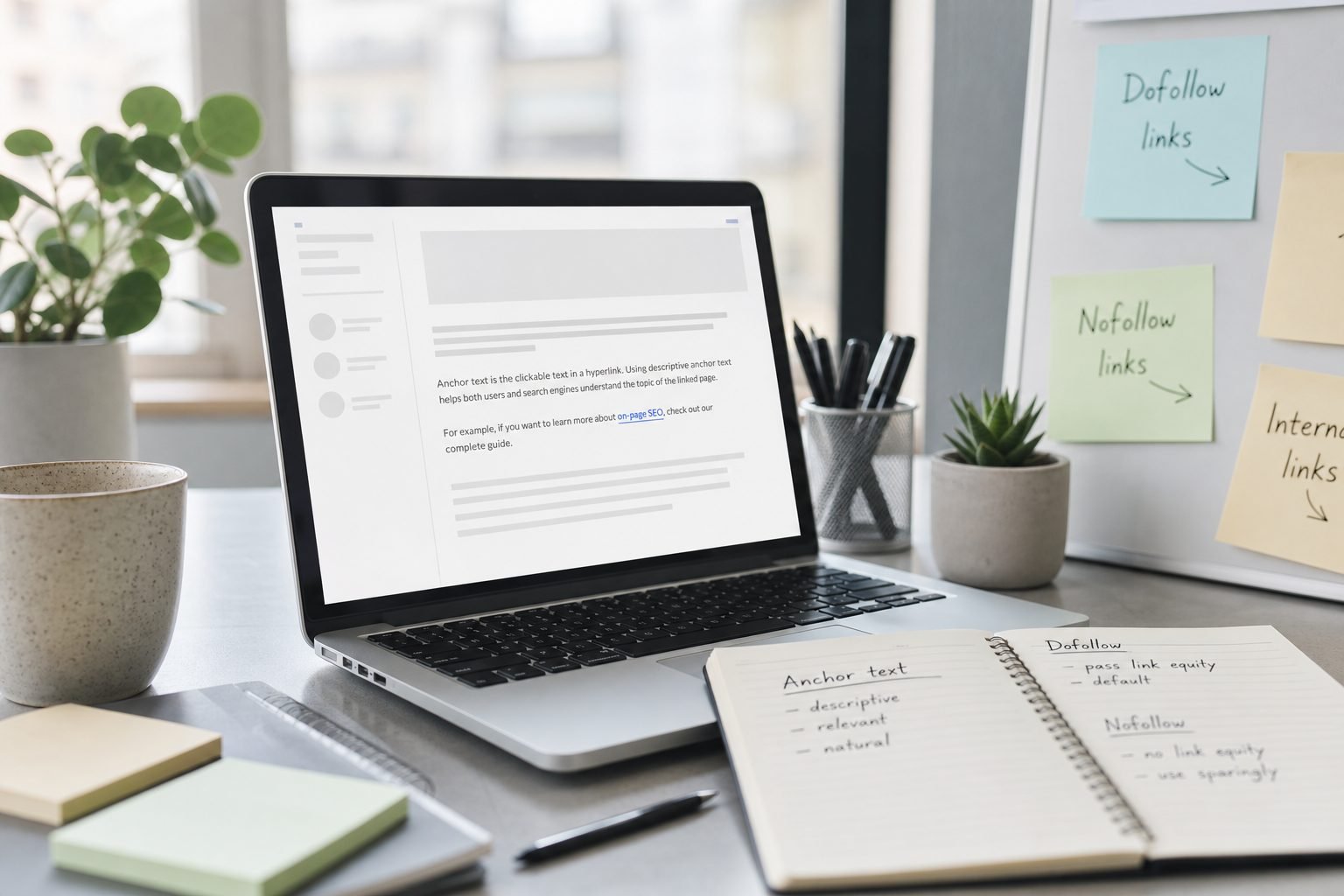
When a URL is live, run a short QA pass: correct page, correct target, expected anchor, expected link attributes, and indexation. Our checklist on what to check after the live link is written for that exact moment.
6. Habits that keep campaigns clean
- Upload content before you fill a large cart.
- Save filters and shortlists so reorders do not start from zero.
- Fund the wallet with a buffer; do not pay placement by placement if you run weekly batches.
- Log live URLs and attributes the day they arrive — not a month later.
That discipline is what separates a marketplace account from a spreadsheet of forgotten links. Browse the blog for selection strategy; use this page when you need the product path itself.
Create your advertiser account, verify your email, and place the first order with content already approved.
Frequently asked questions
Do I need to upload content before I can buy a placement?
You can browse and add sites to the cart first, but checkout expects an approved article for each site. Upload early in Content Library so approval is not the bottleneck at payment.
What is the difference between spendable balance and the welcome bonus?
New advertisers receive a welcome credit that can be used toward placements under the platform rules. Spendable balance is funded money you add (card, bank, or other offered methods). At checkout, the wallet covers the order total according to those rules.
Can I switch to a publisher account from the same login?
Yes. Many users hold both roles. Use Switch to Publisher in the top bar when you need to manage your own sites or tasks, then switch back to Advertiser for buying.
Where do I go if a live URL looks wrong?
Open the order thread, document the issue with the live URL, and ask the publisher to correct it. Keep a short log of attribute and anchor checks; that record matters if you escalate.